eHallPass Alternatives (Best Digital Hall Pass Competitors Compared)
If you are looking for alternatives to eHallPass, you need verified facts, not marketing hype. This page compares digital hall pass systems using only official vendor sources, product documentation, and privacy policies.
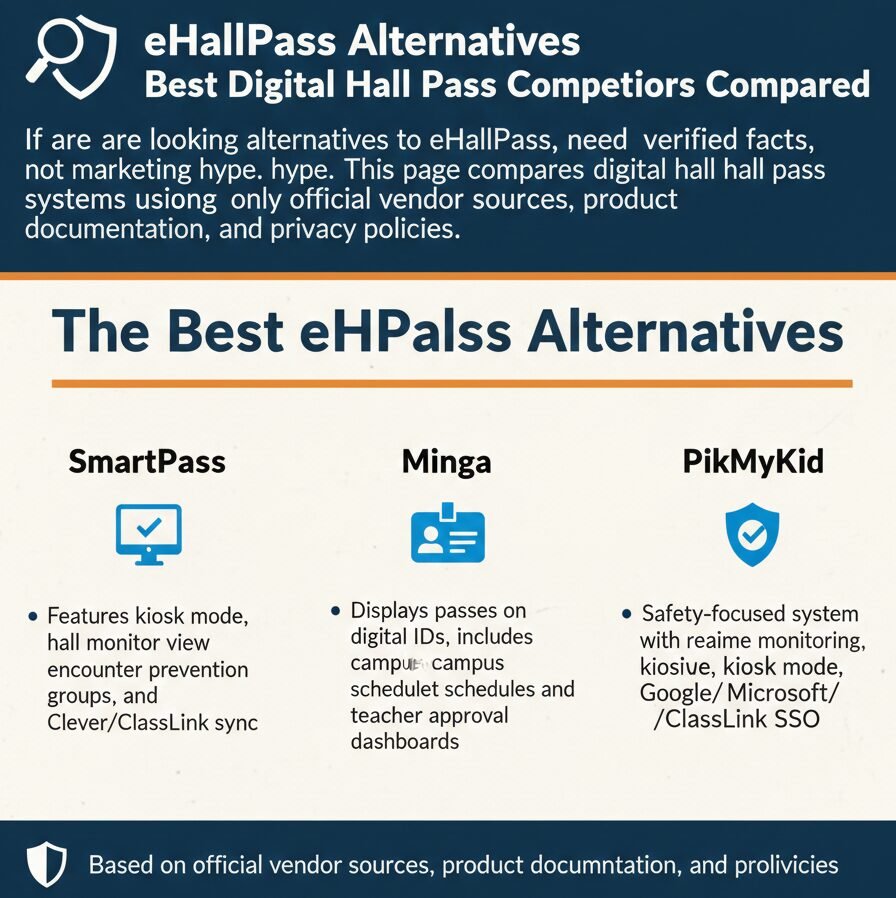
The Best eHallPass Alternatives
SmartPass
Features kiosk mode, hall monitor view, encounter prevention groups, and Clever/ClassLink sync.
Minga
Displays passes on digital IDs, includes campus blackout schedules and teacher approval dashboards.
PikMyKid
Safety-focused system with real-time monitoring, kiosk mode, and Google/Microsoft/ClassLink SSO.
Quick note: eHallPass is commonly referred to as Securly Pass or e-hallpass, depending on whether you are looking at the login page or the product brief. These names refer to the same system made by Securly.securly+1
Baseline: What eHallPass / Securly Pass Does (So You Can Compare Fairly)
What It Is (Baseline Definition)
eHallPass is a digital hall pass system for K-12 schools where students request passes from a device, the system runs automatic checks, and teachers approve or deny in seconds. The system tracks passes by stated destination and room or building, not by GPS.[securly]
Verified Core Features
- Student request with departing from and destination: Students indicate where they are leaving from and where they are going.[securly]
- Limits plus destination closed or full checks: The system checks if a student has hit their pass limit or if the destination is closed or full before showing the request to the teacher.[securly]
- No-contact order warning: If a student with a no-contact order requests a pass, the system messages the teacher.[securly]
- Teacher approvals: Teachers can approve or deny passes in seconds from the Pass dashboard or via Securly Classroom integration.securly+1
- Kiosk and no-device access: Schools can provide pass request and check-in access to students without devices via a pass kiosk.[securly]
- Reports: Administrators can generate custom reports about pass takers, pass granters, and usage patterns.[securly]
- Proxy pass and auto pass: Teachers can create passes on behalf of students without devices, or students can check themselves in and out of the classroom automatically.[securly]
Verified Integrations
SSO options are listed on the login page: Google, Microsoft, Clever, ClassLink, and GG4L. That means schools using any of those identity providers can integrate eHallPass into their existing login flow.[pass.securly]
How We Verified These Alternatives (Our Sources Rule)
Look, I will be straight with you. Most “best eHallPass alternatives” articles are just affiliate link farms that copy features from each other without checking official sources. We did not do that.
We only used official product pages, official help and documentation sites, official privacy policies, official app store listings (Apple App Store and Google Play), and official integration pages from Clever and ClassLink. If we could not verify a feature or claim from one of those sources, we labeled it NOT FOUND.minga+7
Alternative #1: Raptor Technologies SmartPass (Digital Hall Pass)
What It Is
SmartPass is a digital hall pass system that lets students and teachers create and manage passes from devices, with real-time visibility into who is out of class. It is now part of Raptor Technologies, a school safety company.raptortech+1
Verified Features
- Mobile Management: Create and manage passes from mobile devices. SmartPass Mobile allows you to easily create and manage hall passes.[play.google]
- 3-Click Creation: Students can create a hall pass directly from a kiosk or a 1:1 device with just 3 clicks.[youtube]
- Hall Monitor View: Teachers and admins can access Hall Monitor to know which students are out of class on an active pass and where they are headed.[apps.apple]
- Kiosk Mode: Staff can launch Kiosk Mode for their room when 1:1 devices are not available.[apps.apple]
- Limits and Restrictions: Schools can maintain settings for room maximums, pass limits, encounter prevention groups, and room restrictions.[apps.apple]
- Clever Sync: Sync user records and provide SSO access directly from the Clever Dashboard.[articles.smartpass]
- ClassLink Sync: Integrates with ClassLink using the OneRoster API to set up the Roster Server Connection app.[articles.smartpass]
Verified Integrations
- Clever: YES.[articles.smartpass]
- ClassLink: YES.[articles.smartpass]
- Google or Microsoft SSO: NOT FOUND. The official sources mention Clever and ClassLink for SSO.
Privacy & Tracking
- GPS or location tracking claim: NOT FOUND.
- Retention statement: NOT FOUND. The policy does not specify how long hall pass logs are kept.
- Data Collected: Pass requests, approvals, account info (name, grade, ID), and metadata.articles.smartpass+1
Alternative #2: Minga Digital Hall Pass
What It Is
Minga Digital Hall Pass is a module inside the larger Minga campus management platform that lets students and teachers create and track digital hall passes. It works alongside other Minga modules like Digital Student ID and Check In.[apps.apple]
Verified Features
- Digital ID Visibility: The hall pass will be visible on the student’s Digital ID with a countdown timer.[support.minga]
- Dashboard Approval: Teachers can click Approve or Deny on the pop up or in the dashboard.[support.minga]
- Bulk Add via CSV: Staff can bulk add users to a Hall Pass by uploading a CSV of ID numbers.[support.minga]
- Required Approval Option: Administrators can enable “Teacher must approve pass” before activation.[21649818.fs1.hubspotusercontent-na1]
- Campus Blackout Schedules: Schools can set schedules to deny Hall Pass creation during specified times (e.g., announcements).[21649818.fs1.hubspotusercontent-na1]
- ClassLink Integration: Minga and ClassLink partner to support rostering through integration.[minga]
- Clever Integration: Minga announced a partnership with Clever for SSO.[minga]
Alternative #3: PikMyKid Digital Hall Pass
What It Is
PikMyKid Digital Hall Pass is a safety-focused module inside PikMyKid’s larger platform that creates timestamped digital passes and gives staff visibility into who is out of class.[pikmykid]
Verified Features
- Timestamped Passes: Staff designate the student, where they are going, and how long the pass is allotted.[pikmykid]
- Hall Monitor Visibility: Hall monitors get a real-time view of where students should be going.[pikmykid]
- Admin Dashboard: Administrators can view all active passes to monitor duration and destinations.[pikmykid]
- Set Limits: Schools can set limits to prevent vandalism and inappropriate behavior.[pikmykid]
- Kiosk Mode: Staff can use kiosk mode for allotted time passes.[pikmykid]
- ClassLink Sync: Rostering helps decrease onboarding time with secure data transfer.[pikmykid]
- Google/Microsoft SSO: Provides instant access via Google, Microsoft, and similar platforms.[pikmykid]
Feature-by-Feature Comparison (Verified Only)
| Feature | eHallPass | SmartPass | Minga | PikMyKid |
|---|---|---|---|---|
| No-Device Support | Kiosk & Proxy | Kiosk Mode | NOT FOUND | Kiosk Mode |
| Misuse Controls | Limits/No-Contact | Encounter Groups | Blackout Schedules | Set Limits |
| Visibility | Real-Time | Hall Monitor View | Student ID Timer | Hall Monitor View |
| Rostering | Clever/ClassLink | Clever/ClassLink | Clever/ClassLink | ClassLink |
| Native Google SSO | YES | NOT FOUND | NOT FOUND | YES |
Between you and me, kiosk mode is critical if your school has any students without devices. Paper backup passes defeat the entire purpose of going digital.
Which Alternative Should You Choose? (Decision Guide)
- If Your District Uses Clever: Lean toward eHallPass, SmartPass, and Minga.minga+2
- If Your District Uses ClassLink: All four products support ClassLink.minga+3
- If You Need Google/Microsoft SSO: PikMyKid and eHallPass have explicit documentation.pass.securly+1
- If You Need Strict Scheduling: Minga campus blackout schedules let you deny creation during specified times.[21649818.fs1.hubspotusercontent-na1]
- If You Need Hall Monitor Workflows: SmartPass and PikMyKid have verified monitor views.apple+1
“Free Alternatives”: What We Can Safely Say
Here is the thing though. We did NOT FIND official pricing pages or free plan claims for any of the products we reviewed. That does not mean they are all expensive. It means vendors do not publish pricing publicly.
We believe strongly that you should not trust “free eHallPass alternative” lists from random blogs. Those lists are usually affiliate marketing or outdated. If cost matters to you, contact your district procurement office.
FAQs (Privacy + Tracking + “Does It Track Location?”)
Based on verified sources, the top alternatives are Raptor Technologies SmartPass, Minga Digital Hall Pass, and PikMyKid Digital Hall Pass.smartpass+2
We did NOT FIND any vendor claiming a free plan in official sources. Contact your district or the vendor for a quote.
We did NOT FIND GPS tracking claims for eHallPass, SmartPass, Minga, or PikMyKid. eHallPass explicitly states it does not use device-based location data.[securly]
Typically, these systems log requests, approvals, timestamps, and destinations. They also sync student account info from the district SIS.articles.smartpass+4
Teachers see their classes, administrators view all reports, and hall monitors see real-time active passes.apple+2
Sources & Verification Notes
We used the following official sources to verify features and integrations.
Product brief: securly.com/…/e-hallpass.pdf
Login: pass.securly.com
Privacy: securly.com/privacy
Product: smartpass.app/hall-pass
Clever Sync: articles.smartpass.app/…/clever
ClassLink Sync: articles.smartpass.app/…/classlink
Product: minga.io/digital-hall-pass/
Admin Guide: support.minga.io/…/Admin
Privacy: minga.io/privacy-policy/
Product: pikmykid.com/…/digital-hall-pass
Partnership: pikmykid.com/classlink-partnership
NOT FOUND List (Pricing, GPS, Retention)
- Pricing pages: NOT FOUND for any product reviewed.
- Free plan claims: NOT FOUND for any product.
- GPS tracking: NOT FOUND for SmartPass, Minga, or PikMyKid.
- Retention statements: Product-specific periods NOT FOUND for SmartPass, Minga, and PikMyKid.